Beyond the road
Connecting an OBD-II adapter
Pair a Bluetooth dongle and your real drives gain revs, throttle and temperatures alongside the GPS trace.
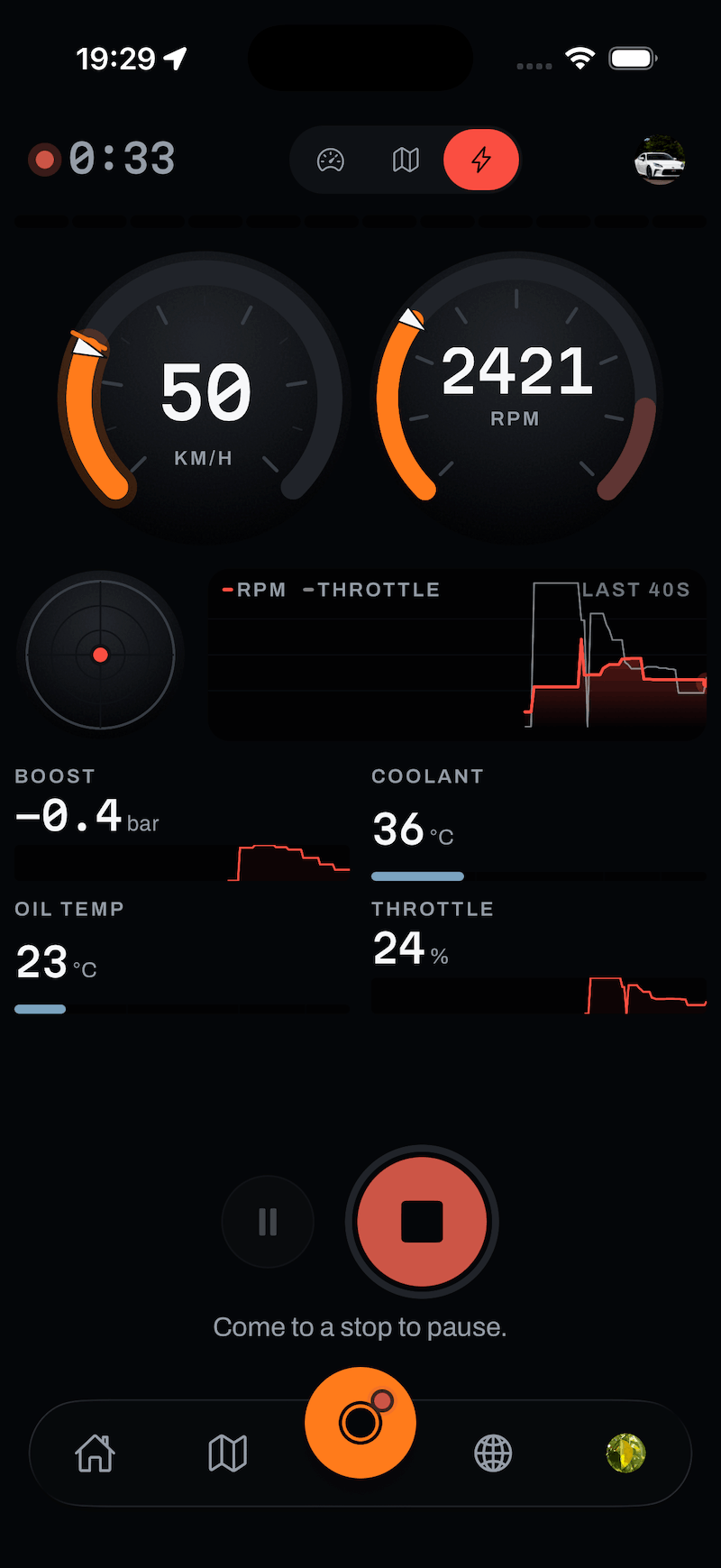
An ordinary drive is recorded from your phone’s GPS, and needs no hardware at all. An OBD-II adapter adds what only the car knows: engine revs, throttle position, coolant temperature, boost, battery voltage. It plugs into the diagnostic port every car built since roughly 2001 has, and pairs with your phone over Bluetooth.
Once paired, there’s nothing to remember. Marque reads the adapter during a drive and folds the channels into your drive report next to the GPS data.
What you need
- A Bluetooth Low Energy ELM327-style OBD-II adapter. These are the common ones, sold under dozens of names. Wi-Fi adapters and older Bluetooth Classic ones won’t pair.
- Your car’s OBD-II port - usually under the dashboard on the driver’s side, near the steering column.
Good to know
Pair it
- Plug the adapter in and turn the ignition on, so the car is awake and answering. You don’t need the engine running.
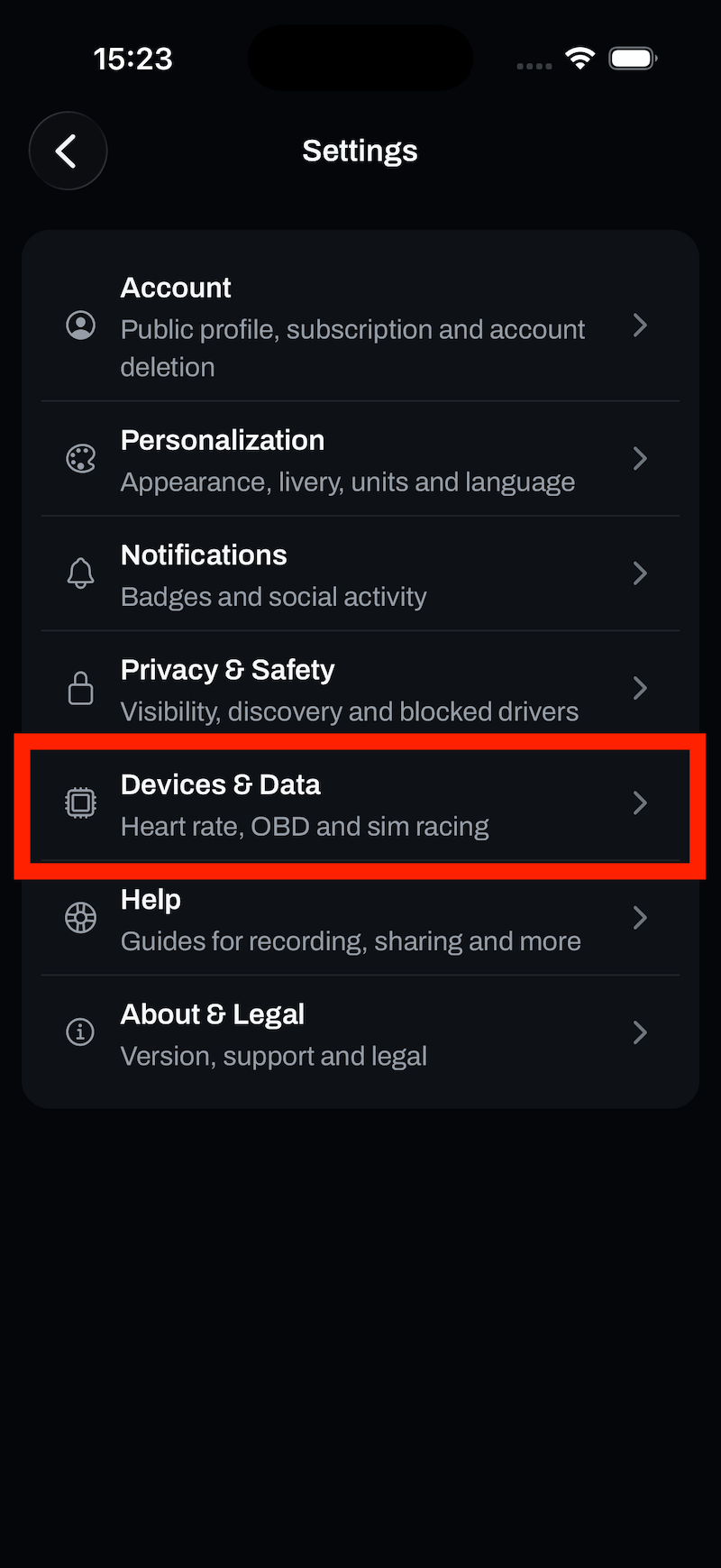
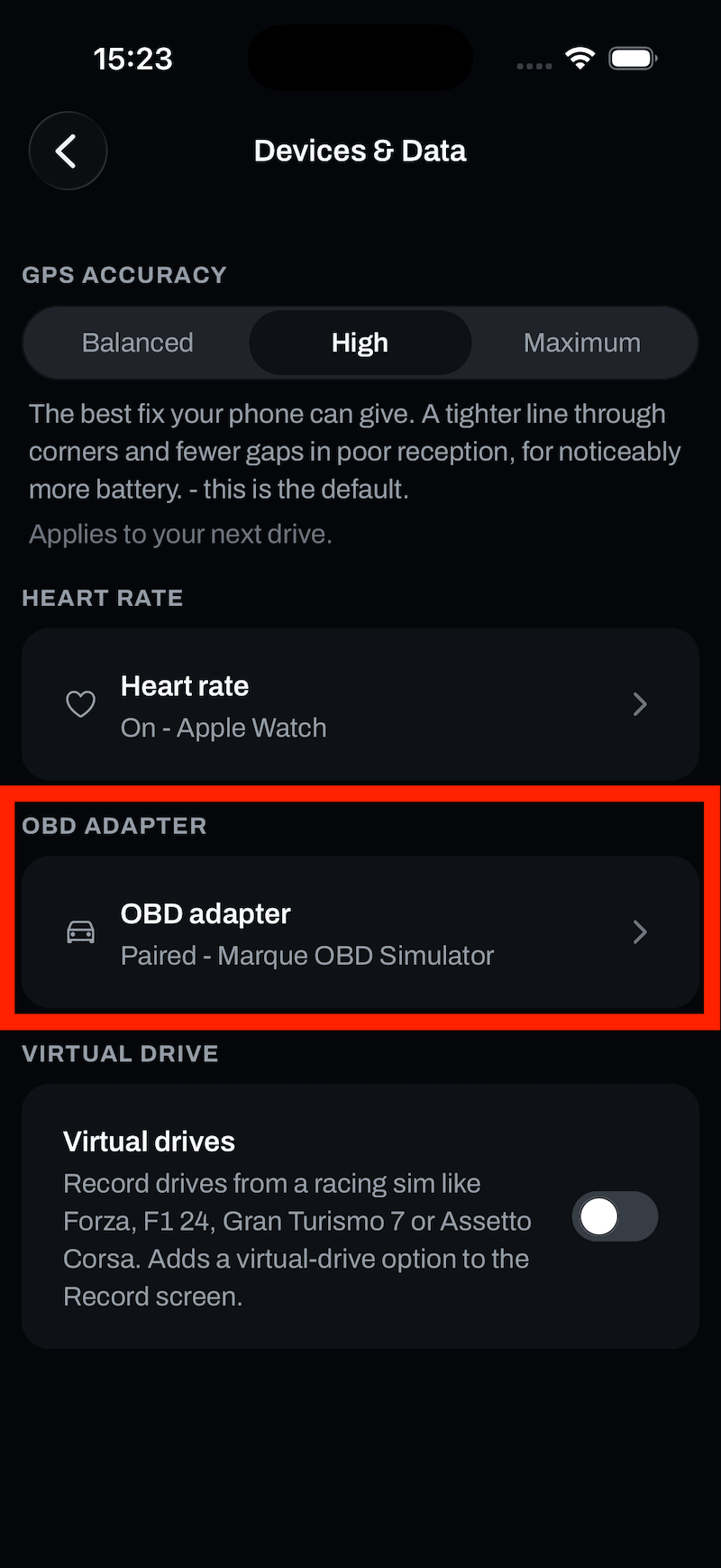
- In Marque, go to Settings › Devices & Data › OBD adapter.
- Read the safety notice and tap Got it. Pairing doesn’t appear until you’ve read it - scanning turns on your phone’s Bluetooth radio, and you should know what you’re plugging into your car first.
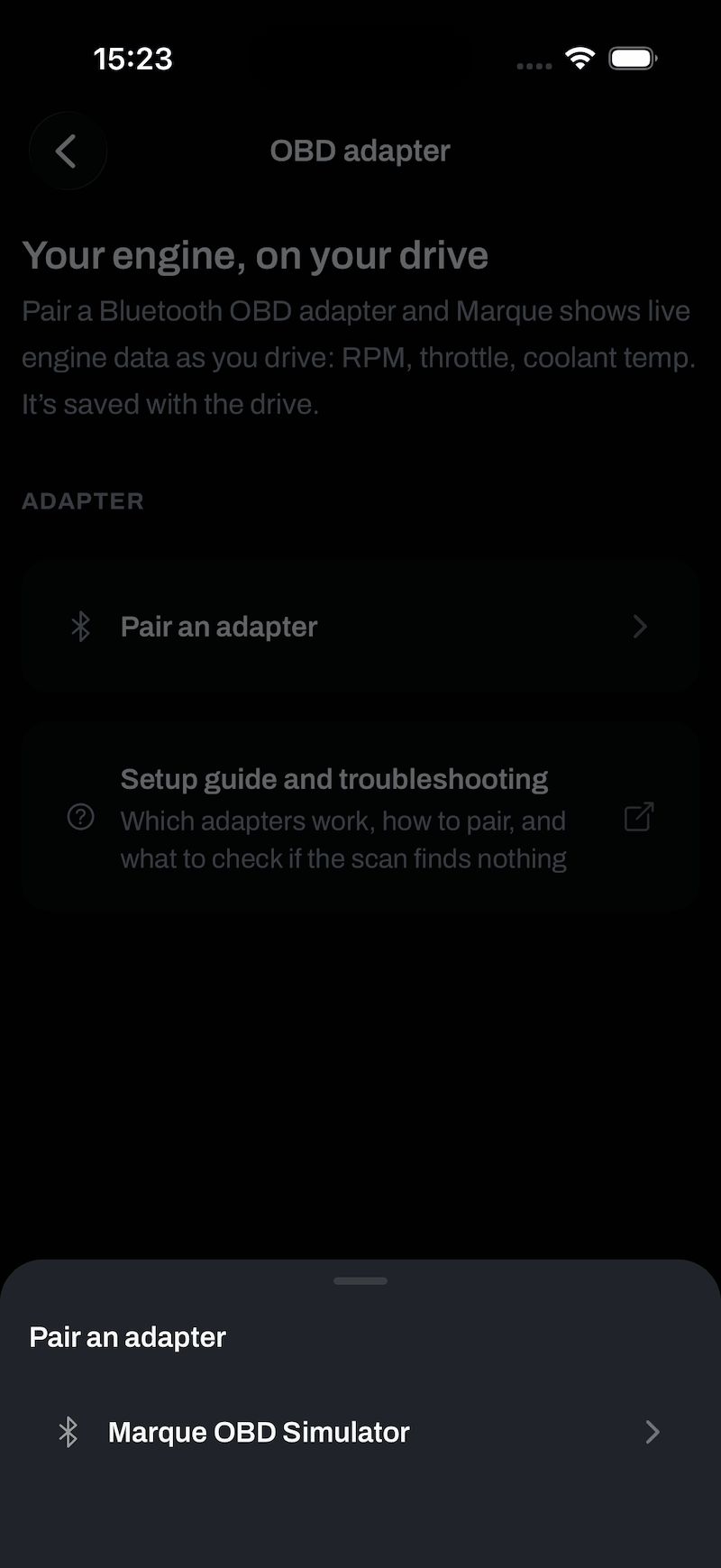
- Tap Pair an adapter. Marque scans and lists what it finds. Adapters advertise under all sorts of names, so pick the one that appears when yours is plugged in.
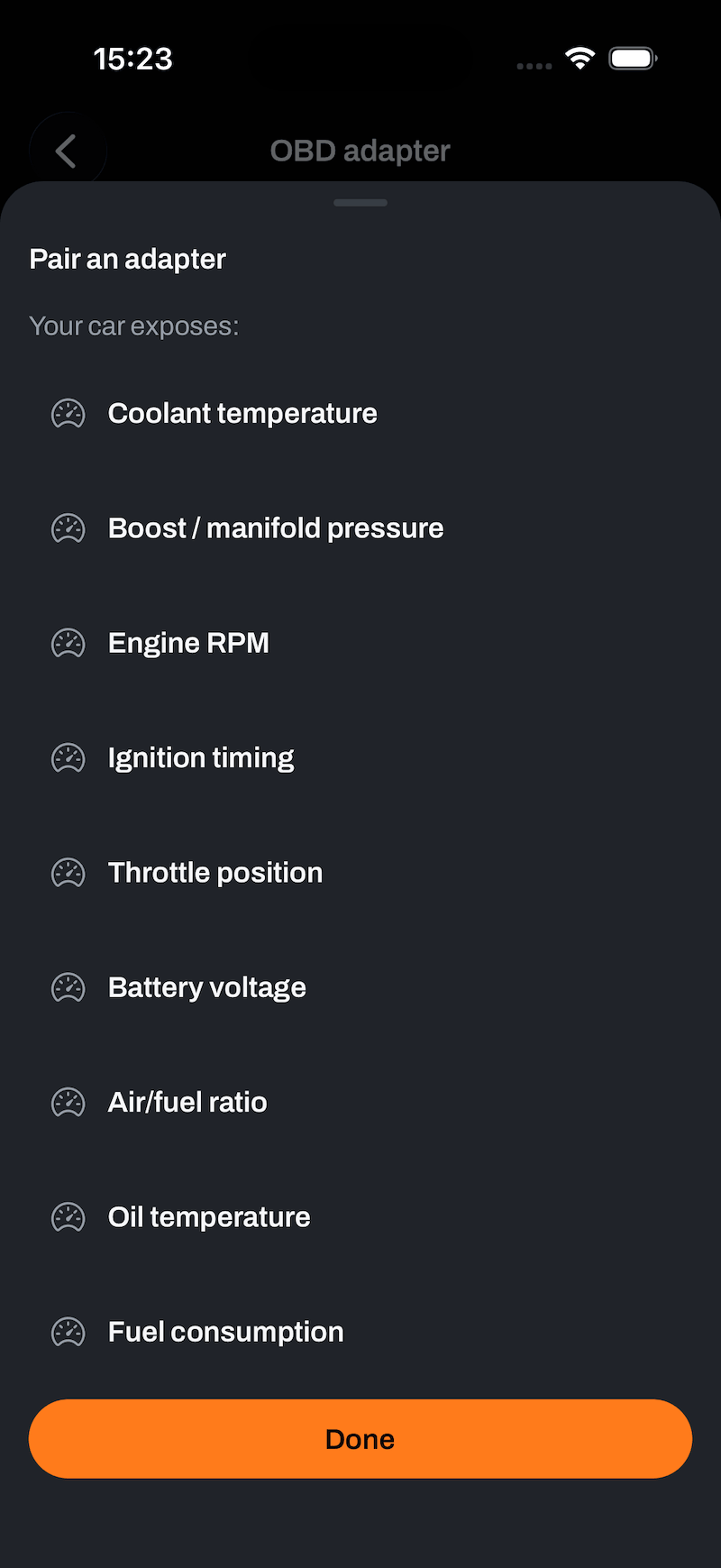
- It connects and asks your car what it exposes, then shows you the channels you’ll get. Tap Done.
- Record a drive as normal. The engine data is captured alongside the GPS trace, with nothing extra to switch on.
What Marque does and doesn’t do
- Read-only, always. Every request is a live-data query. Marque never sends a command to your car, never clears a fault code, and never writes anything.
- The data stays yours. Engine channels are stored on your drive, in your account. They’re never on your public profile and never shared with a drive you post.
- It’s not a diagnostic tool. Marque doesn’t read fault codes or clear a check-engine light.
On the road
When it won’t connect
The scan finds nothing
- Check the adapter is fully seated in the port and its light is on.
- Turn the ignition on. Some adapters sleep until the car is awake.
- Make sure Bluetooth is on, and that the adapter isn’t still connected to another phone or to another app. Most only talk to one device at a time.
- If it has ever been paired in your phone’s own Bluetooth settings, remove it there. Marque connects to it directly and a system-level pairing can hold it hostage.
It connects, but no channels come back
The adapter is talking and the car isn’t. Usually that’s a very cheap clone, or a car that answers on a protocol the adapter doesn’t support. Trying a different adapter is the fix; there’s nothing to change in Marque.
Channels cut out mid-drive
The link dropped. Marque leaves the affected channels empty for that stretch rather than repeating the last number it saw, so a flat line in the report is honest rather than an invented reading. The GPS trace is unaffected and the drive records normally.
Tip
Still stuck?
If something here doesn’t match what you see, or you’ve hit a wall, we’d rather hear about it. Email [email protected] and we’ll get back to you.
Browse all help topics